On-billed contract SIMs can only be suspended on SIMcontrol once the underlying network contract has been cancelled.
To request the cancellation of on-billed contract SIMs on SIMcontrol, use the "Request Cancellation" tool.
Once requested, our support team will process the cancellation with the mobile network based on the specific contract's terms.
Once this has been processed the SIM will be dead, the SIM status will be changed to "Suspended" and no further costs will be incurred.
(To view a SIM's contract and tariff details, go here).
SIM Cancellation
On the SIMs page, filter by "Billing Type" = "On Billed".
Select the SIMs you would like to cancel. If you have a list of SIMs to cancel, you can also use the Bulk Search tool to list these SIMs.
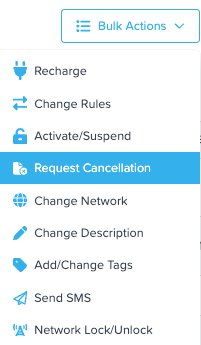
Go to Bulk Actions and select the 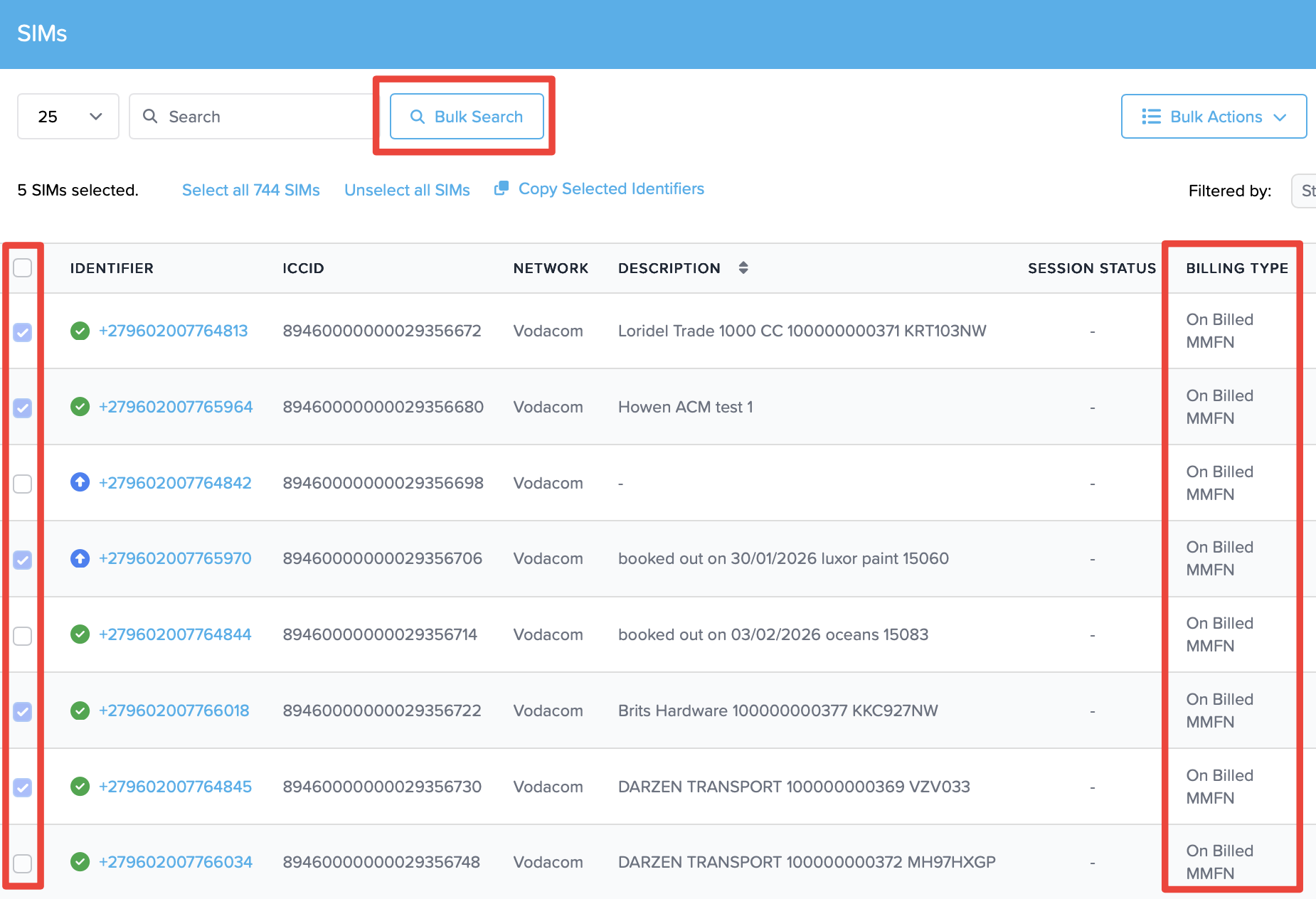
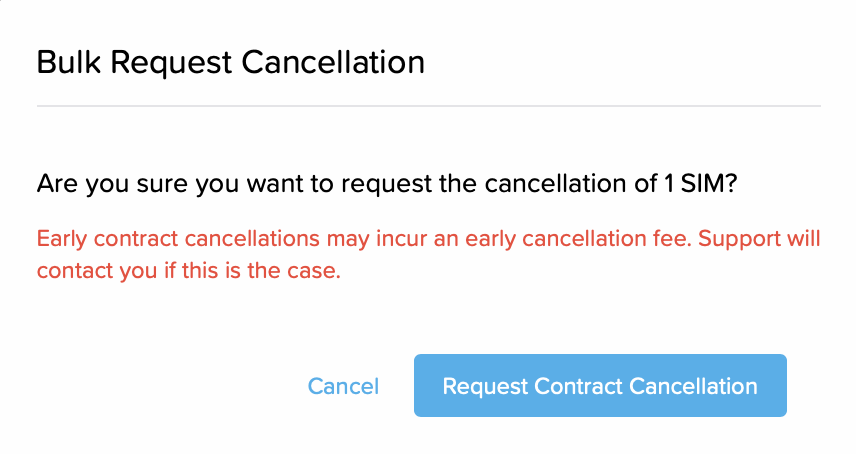
Review and confirm the SIM cancellation request.
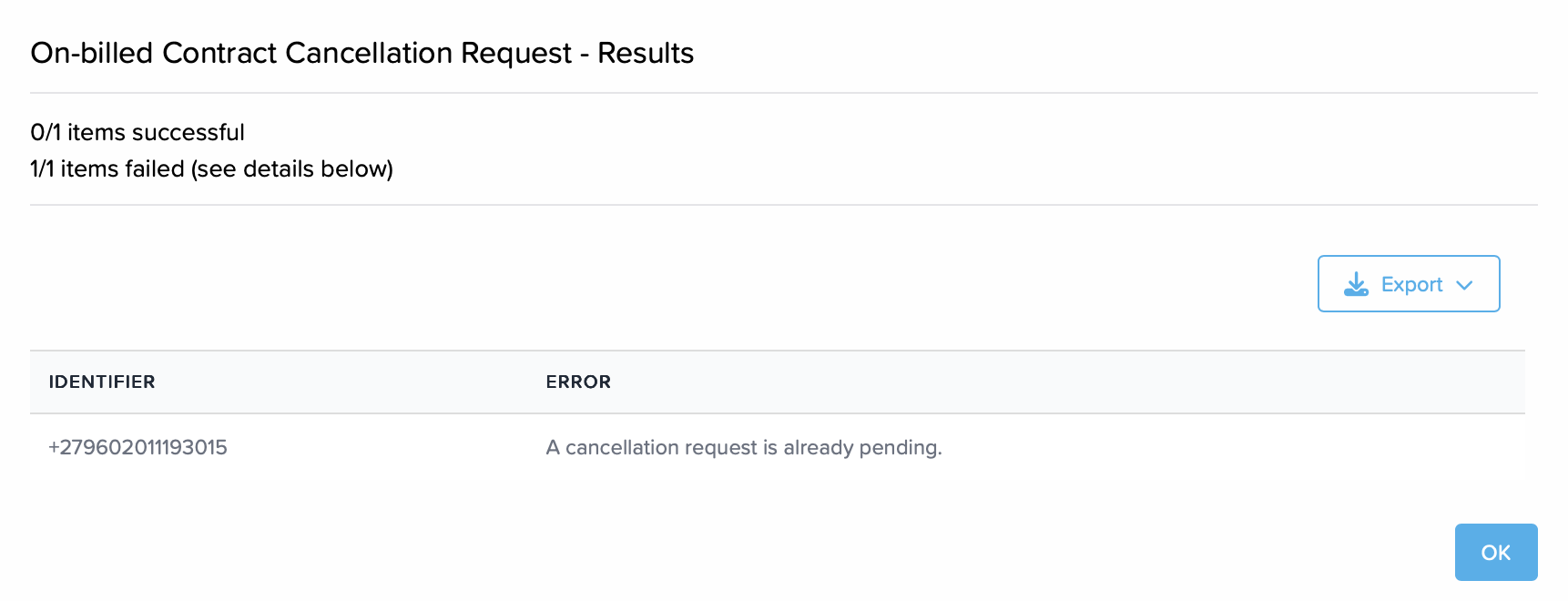
The results wil be displayed.
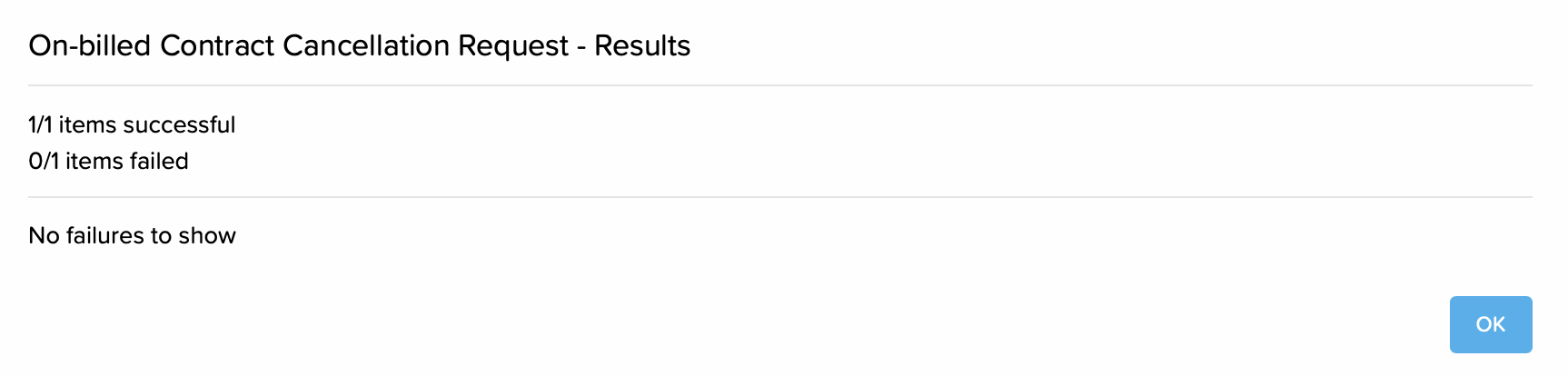
If there was a problem with a request, it will display the reason.
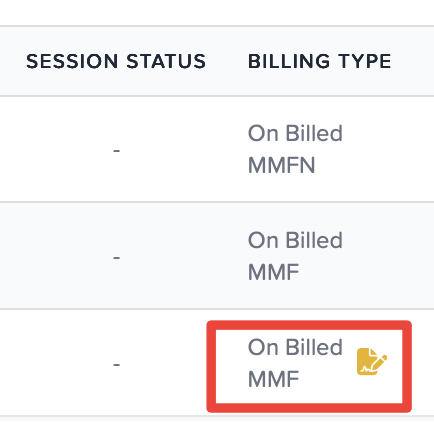
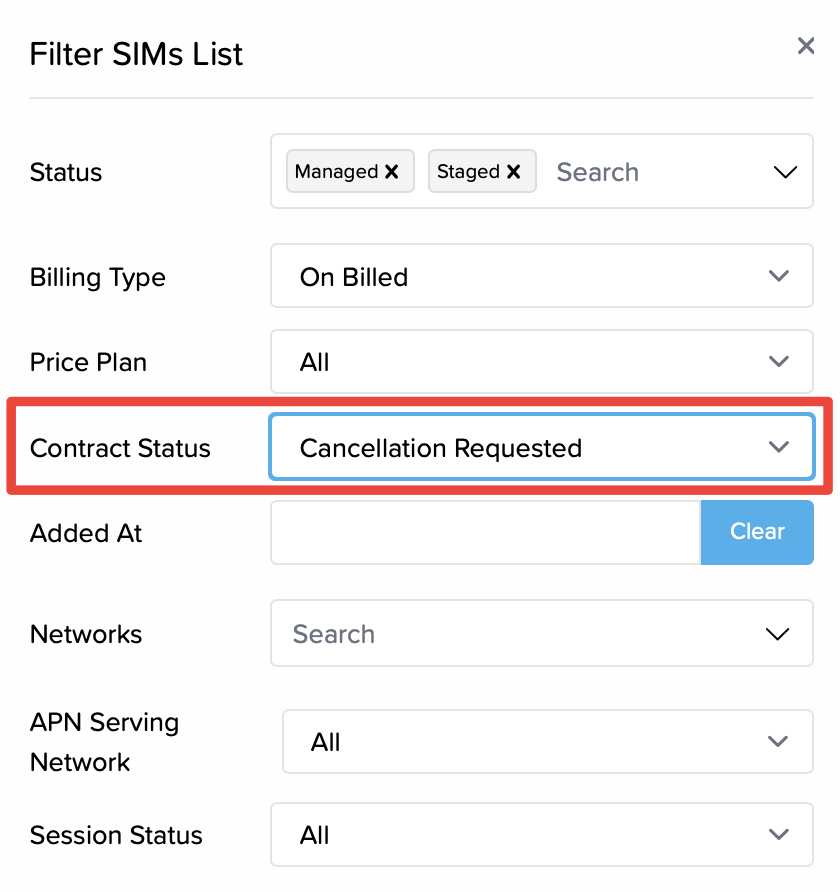
SIMs with contract cancellation requested will show an icon next to to the Billing Type description. You can also filter on the SIMs screen by Contract Status = Cancellation Requested.
Once the cancellation has been succesfully processed buy the network, SIMs will be moved to Status = Suspended and no further costs will be incurred. Should a contract cancellation penalty by the network be applicable to the specifci tariff, the support team will reach out to explain.
Was this article helpful?
That’s Great!
Thank you for your feedback
Sorry! We couldn't be helpful
Thank you for your feedback
Feedback sent
We appreciate your effort and will try to fix the article