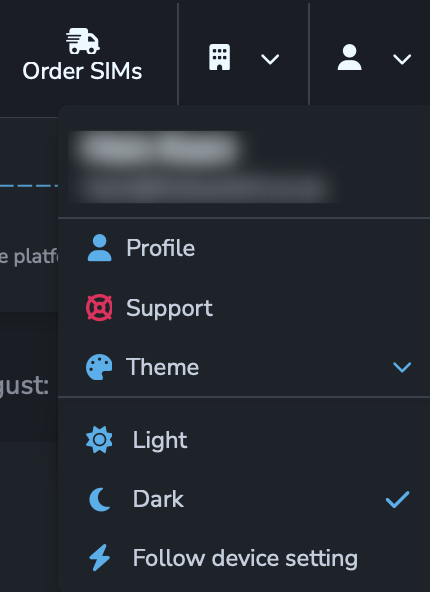
The SIMcontrol website can be used in either Light or Dark modes.
The Dark theme is especially useful for users who spend a lot of time on the SIMcontrol platform, as it reduces eye strain.
To toggle between modes, click on the User icon, and choose "Theme".
Here you can pick "Light", "Dark", or "Follow Device setting" (default). 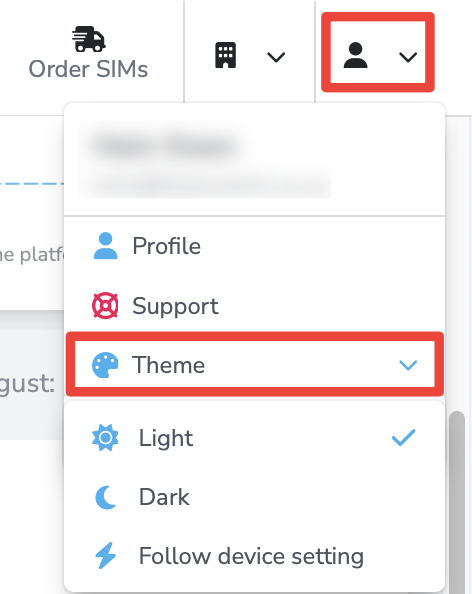
Was this article helpful?
That’s Great!
Thank you for your feedback
Sorry! We couldn't be helpful
Thank you for your feedback
Feedback sent
We appreciate your effort and will try to fix the article